GDS VCI Software Free Download


GDS VCI software works with GDS VCI diagnostic tool for Kia&Hyundai , supports all Kia Hyundai from 1996-2017. Hyundai and Kai GDS diagnostic tool with trigger module supports flight record function and provides complete diagnostics, analysis and reprogramming capabilities etc.
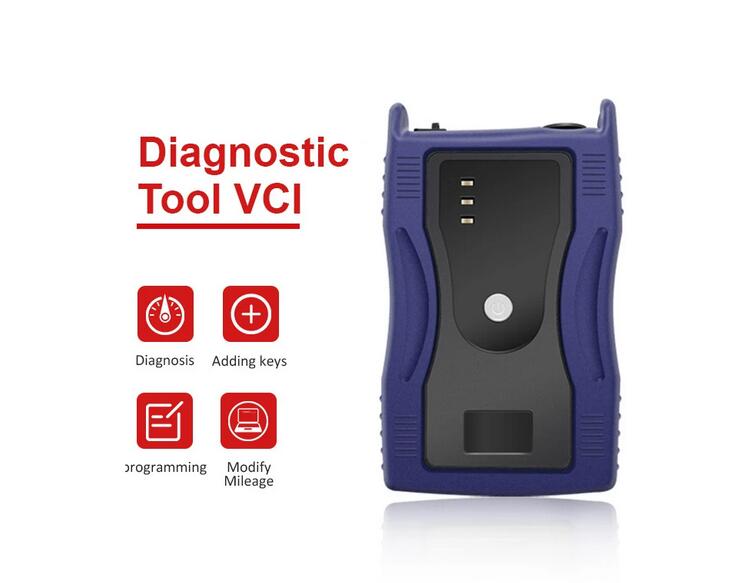
GDS VCI Software Overview:

1. Newest Software: Hyundai V19 (2017), Kia V14 (2014); – American Vehicles Only
2. Update by CD
3. Operate System: Win7
4. Language: English Only
5. Vehicles Coverage: 1996-2017, some new car models for Hyundai Kia (Support Hyundai till 2017, Kia till 2014 )

GDS VCI Software Functions:

1) Completely Integrated Diagnostic System with User Specific information & settings
2) Complete Technical Service Information
3) Comprehensive & Customized Diagnostic Solution
4) Guided Troubleshooting Procedures
5) Mobile Data-recording Function
6) Real-time Software Management

GDS VCI Software Free Download:

https://mega.nz/folder/IDQmxZ6a#wM5Gq_YWfyrqjOZbDDTv8w

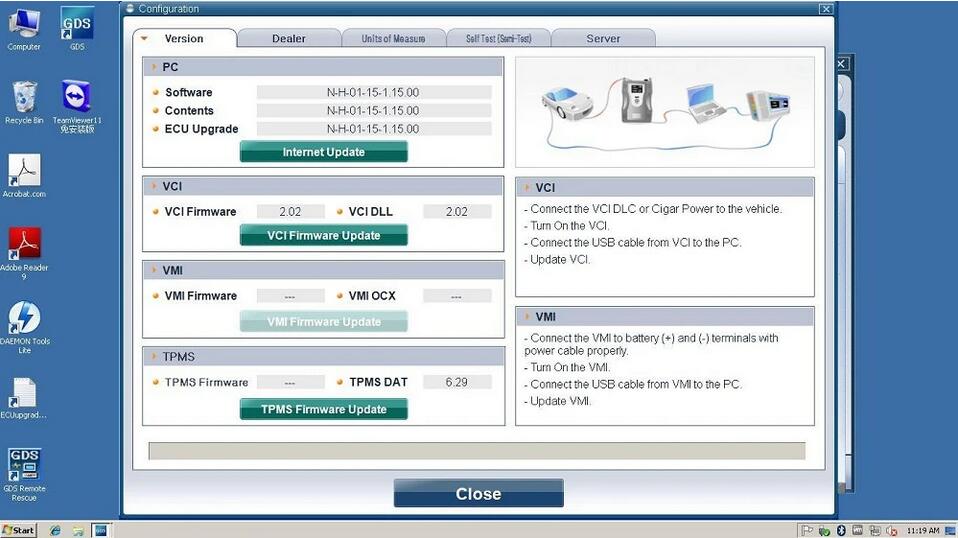
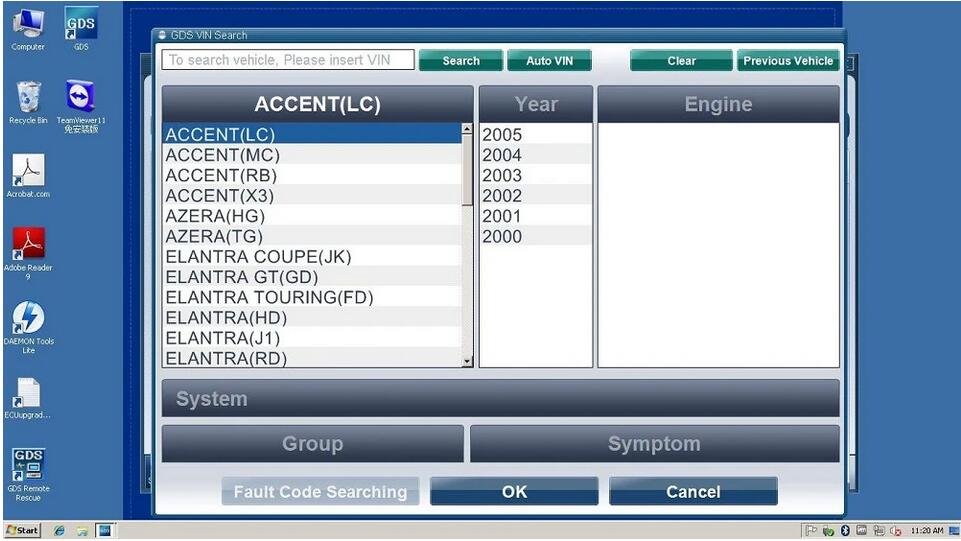
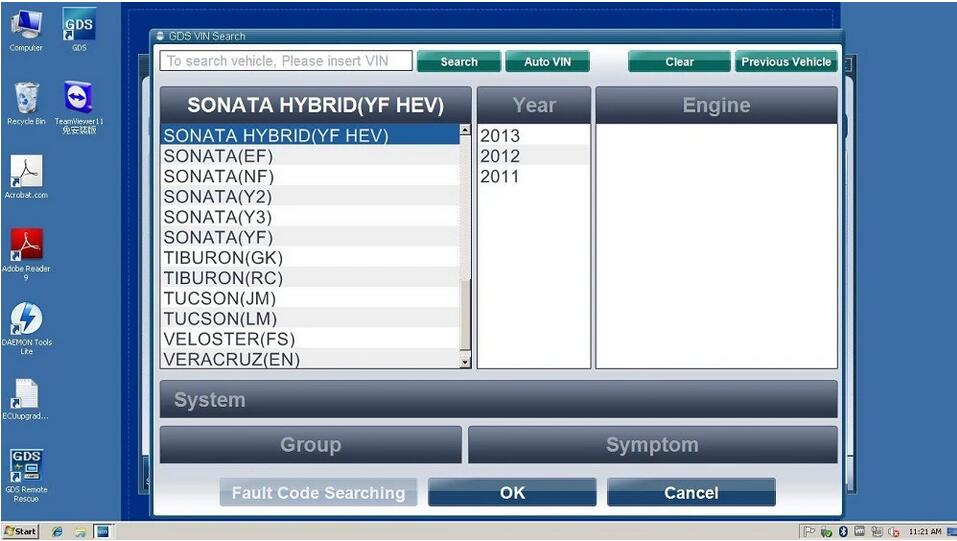
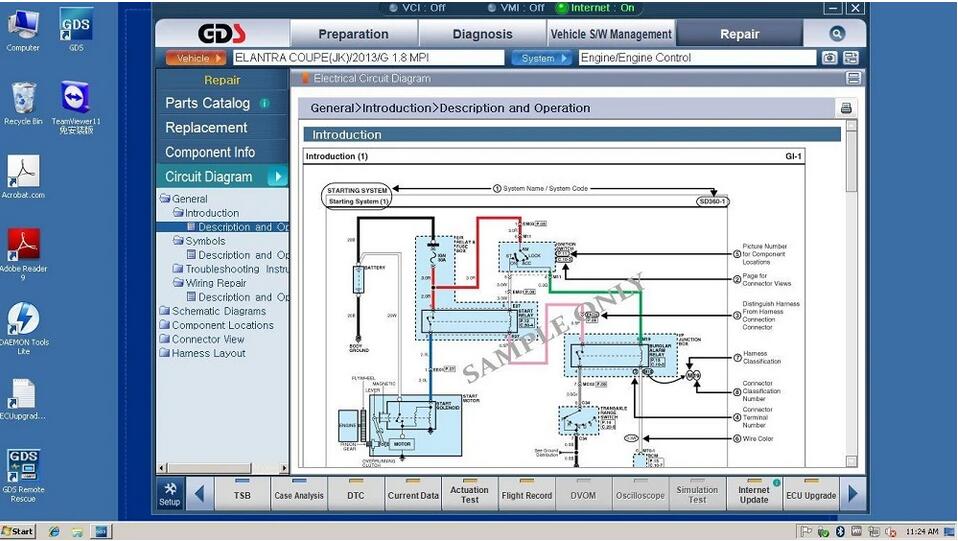
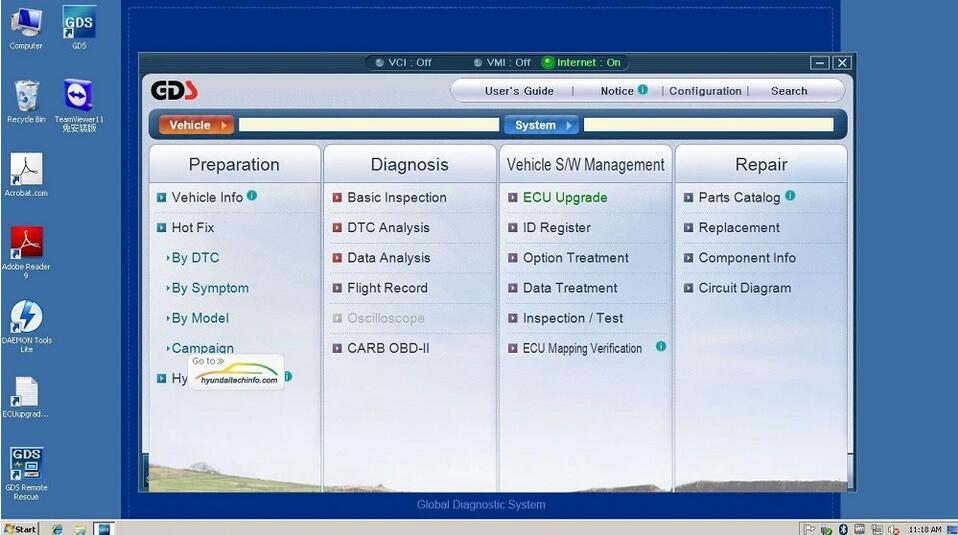
GDS VCI Software Display:


How to install Hyundai GDS software V19 Video:

https://www.youtube.com/watch?v=h5kWN-yNM4Y

GDS VCI KIA Hyundai Diagnostic Tool Plus Lenovo X220 Laptop Software Installed Ready to Use

Comments

Popular posts from this blog

How to Solve VW Amarok Caddy 2018+ Remote Not Working After Programming

Here comes the general problem of VW Amarok Caddy etc. 2018+ UDS protocol vehicles: 2019 VW Caddy. I spent a few hours programming the Xhorse key using VVDI2 . Also tried TDB1000. Remote function could not be obtained. Every time the programming failed, the original remote stopped working until I scanned and cleared errors. I expected it to work when the transponder was added (Megamos AES). I can’t access remote learning with any of my tools, nor did vvdi2 let me program the remote. I was wondering if anyone could confirm remote learning with transponders or how to learn it if not. Solution: It is not possible for BH remote controls after 2018 at the latest. You will not get any communication with the central locking remote control customization. You need a dealer key 100% and then learn from ODIS. There is no after-market solution, VAG blocked the remote channel on UDS vehicles 2018+. Had the exact same issues with new caddies. So merchant key and Odis ATM since the c...

How to Install Mercedes Benz DTS Monaco 8.16 Software

  This instruction show you the guide on how to install Mercedes Benz DTS Monaco Software . Preparations: Benz DTS Monaco Software Free Download After finish downoading and extract you will get below files Double click DTS-Setup to start installation Then just click default option to continue Click Finish Copy files in the repalce folder to DTS Monaco installation folder replace C:\Program Files(x86)\Softing\Diagnostic Tool Set 8\8.16\bin Then run “DTS Monacon” icon on desktop,it will show you the HWID and ask you to activate Please sent me your HWID to me(sales@obd2tool.com),we will sent you a activate file and license file When you get the xxx.reg file,doulbe click it to register it to your pc,click yes to add it the registy Run DTS Monaco and select “Administrate and manage DTS projects’ Select “System”–>”Add license” Load the License_0000000000000.bin file i sent you before Now your DTS Monaco have activated successfully! DTS Monaco 8.03.12 Softw...

GM MDI2 Software Tech2win interface

  What is Tech2win? Tech2Win is a Tech2 emulator for GM diagnostics. It allows you to use your J2534 card like a Tech2 on GM vehicles. Tech2Win is an application version of the Tech 2 and CANdi (Control Area Network Diagnostic Interface) module that can be used during automotive road testing, providing a larger display with all functions of the tool GM Tech2 GM Scanner . Tech2Win App provides all Tech 2 features and functionality for Opel, Saab, etc. What can gm tech 2 pc software do? GM Tech 2: This is the GM factory scan tool used in all GM dealers since 1996. Tech 2 will give your shop ‘dealer level’ capabilities on all GM vehicles insured. Scan, pull codes, graph data and have all two-way controls available for all vehicle systems including Powertrain, Body, Chassis, and Network Tech2win Specialized Diagnostic Software. 2. Tech2Win software features: 1. Tech2Win is designed to be used for diagnostic functions (No programming function) 2. Service programming func...