Confirmed! VVDI Key tool tested working fine with CN3 chip

Story goes like this:
Q: Used VVDI Key Tool programmer clone 2013 VW UP perfectly today. Where does the keytool take its tokens from? Does it use bonus points to clone ID48?
A: No you need buy tokens for cloning, however I believe up until Chinese New Year it is free to use copy48 (where tool has authorization for this function)
Q: Anywhere have stock for VVDI ID46 clone transponders?
A: For id46 can use CN3
Q: CN3 no longer works for me after recent updates, is this true for other people?
A: Bad quality CN3
good quality work perfect
Image 1: good quality CN3 chip
vvdi-key-tool-1
Image 2: original Xhorse 46 chip
vvdi-key-tool-2
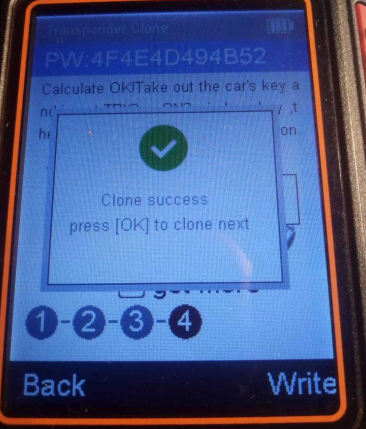
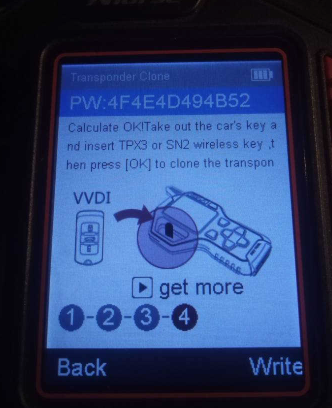
Finally, I have just tested now and it work fine with CN3 chip.
vvdi-key-tool-3
vvdi-key-tool-4
vvdi-key-tool-5

Comments

Popular posts from this blog

How to Solve VW Amarok Caddy 2018+ Remote Not Working After Programming

Here comes the general problem of VW Amarok Caddy etc. 2018+ UDS protocol vehicles: 2019 VW Caddy. I spent a few hours programming the Xhorse key using VVDI2 . Also tried TDB1000. Remote function could not be obtained. Every time the programming failed, the original remote stopped working until I scanned and cleared errors. I expected it to work when the transponder was added (Megamos AES). I can’t access remote learning with any of my tools, nor did vvdi2 let me program the remote. I was wondering if anyone could confirm remote learning with transponders or how to learn it if not. Solution: It is not possible for BH remote controls after 2018 at the latest. You will not get any communication with the central locking remote control customization. You need a dealer key 100% and then learn from ODIS. There is no after-market solution, VAG blocked the remote channel on UDS vehicles 2018+. Had the exact same issues with new caddies. So merchant key and Odis ATM since the c...

Solved BMW ISTA error IFH-0010, Vehicle could not be identified

This blog list 3 kinds of  bmw diagnostic scanner ISTA errors and solutions you may need. ISTA NCS error IFH-0010+ solution ISTA error”MSVCP120.dll is missing”+ solution ISTA error “The vehicle could not be identified”+ solution Note: All error solutions here are suitable for  BMW ICOM A2 and BMW ICOM Next ! ISTA error IFH-0010: DATATRANSMISSION TO CONTROLUNIT DISTURBED ISTA error: A communication fault occurred during activation Incorrect state: ERROR ECU CONDITIONS NOT CORRECT OR REQUEST SEQUENCE ERROR Solution: Try setting COM port latency to 1 in Advanced Settings for the port. You should change it to 1 to have the least lag/disturbances between data transfer. BMW ISTA System error “MSVCP120.dll is missing” The program can’t start because MSVCP120.dll is missing from your computer. Solution: Reinstall VC++ Redistributables and try again. If you’re running x64, you will need both x86 and x64 bit versions installed. Feedback: I got rid o...

How to Install Mercedes Benz DTS Monaco 8.16 Software

  This instruction show you the guide on how to install Mercedes Benz DTS Monaco Software . Preparations: Benz DTS Monaco Software Free Download After finish downoading and extract you will get below files Double click DTS-Setup to start installation Then just click default option to continue Click Finish Copy files in the repalce folder to DTS Monaco installation folder replace C:\Program Files(x86)\Softing\Diagnostic Tool Set 8\8.16\bin Then run “DTS Monacon” icon on desktop,it will show you the HWID and ask you to activate Please sent me your HWID to me(sales@obd2tool.com),we will sent you a activate file and license file When you get the xxx.reg file,doulbe click it to register it to your pc,click yes to add it the registy Run DTS Monaco and select “Administrate and manage DTS projects’ Select “System”–>”Add license” Load the License_0000000000000.bin file i sent you before Now your DTS Monaco have activated successfully! DTS Monaco 8.03.12 Softw...