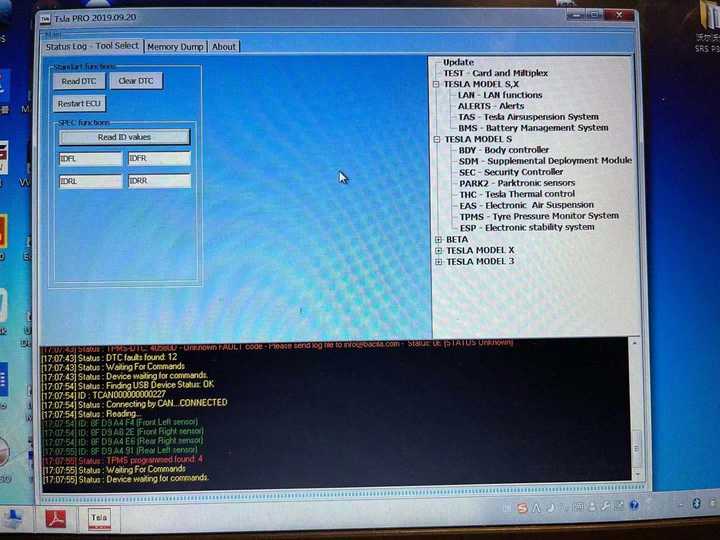
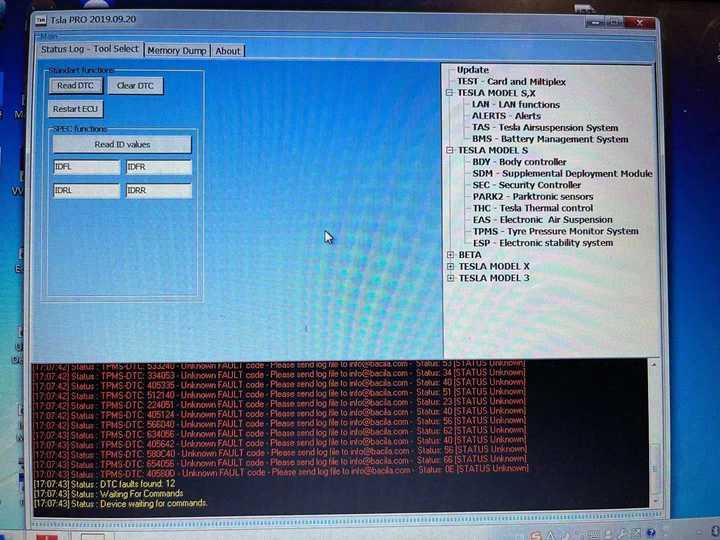
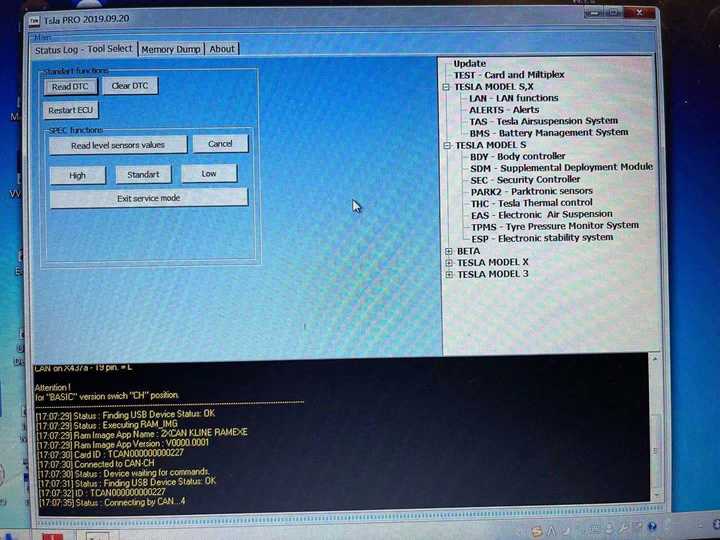
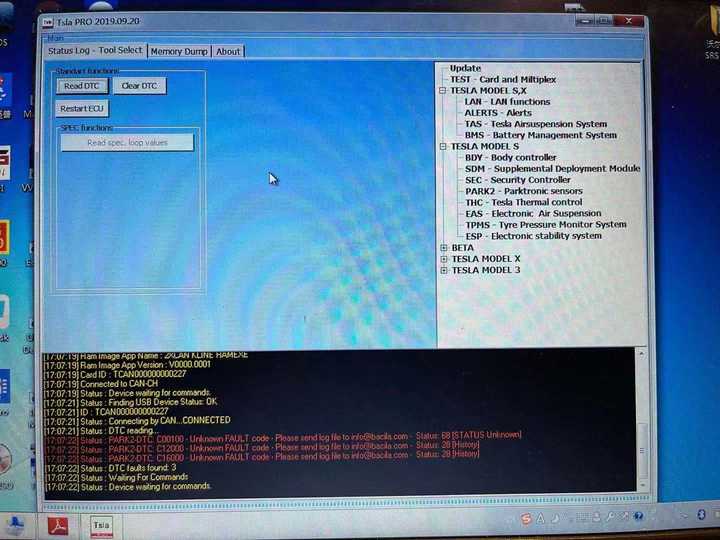
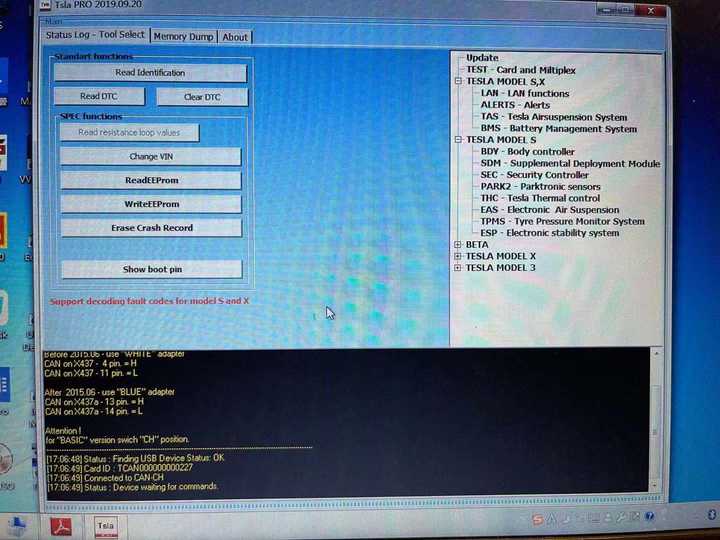
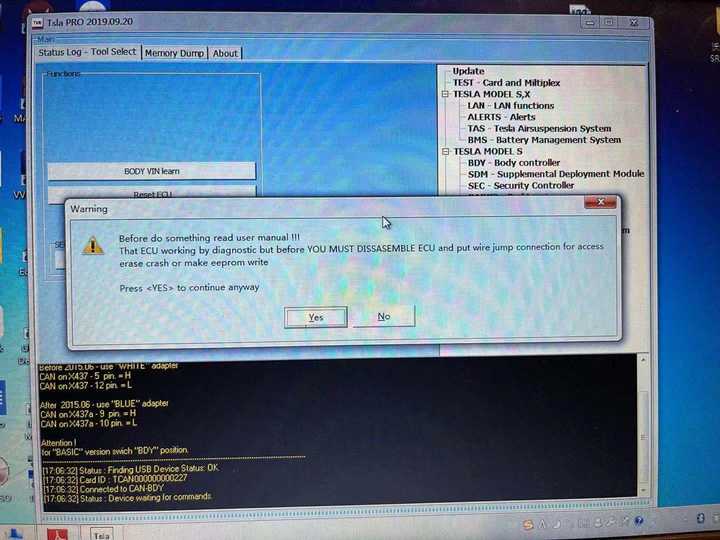
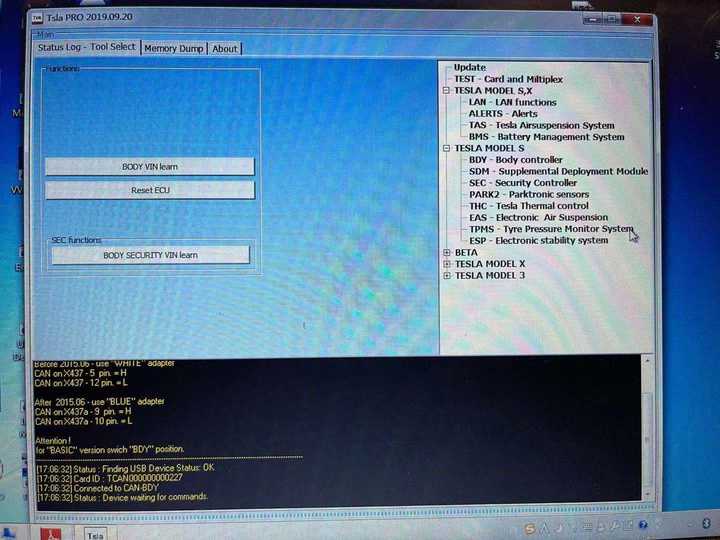
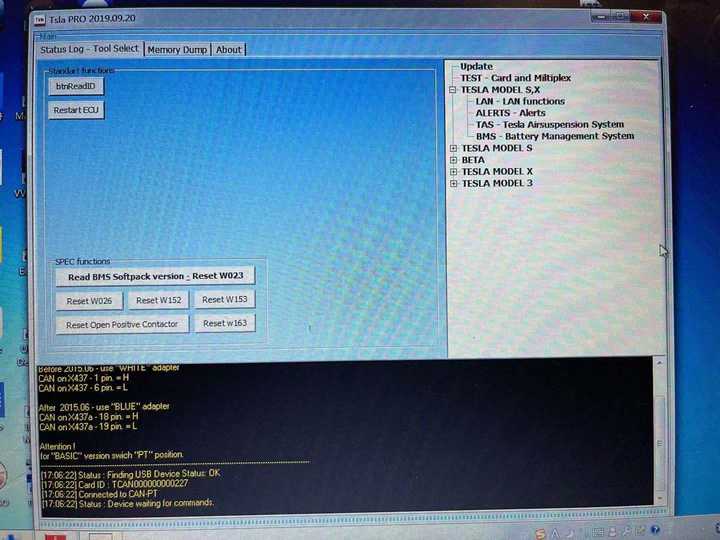
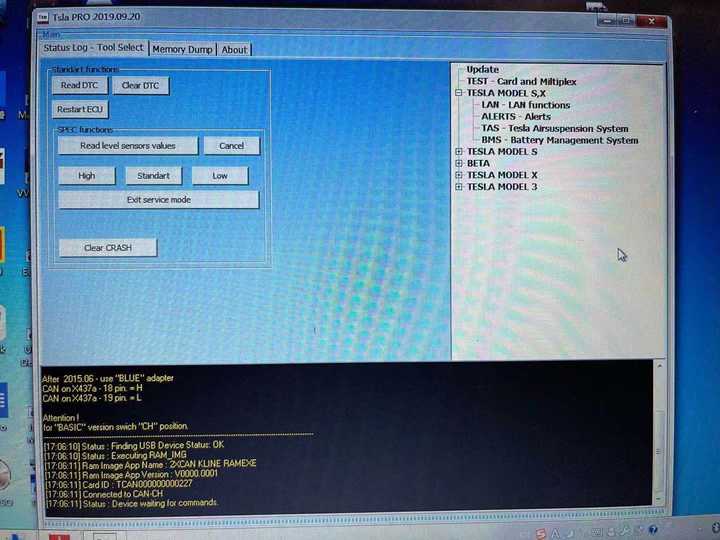
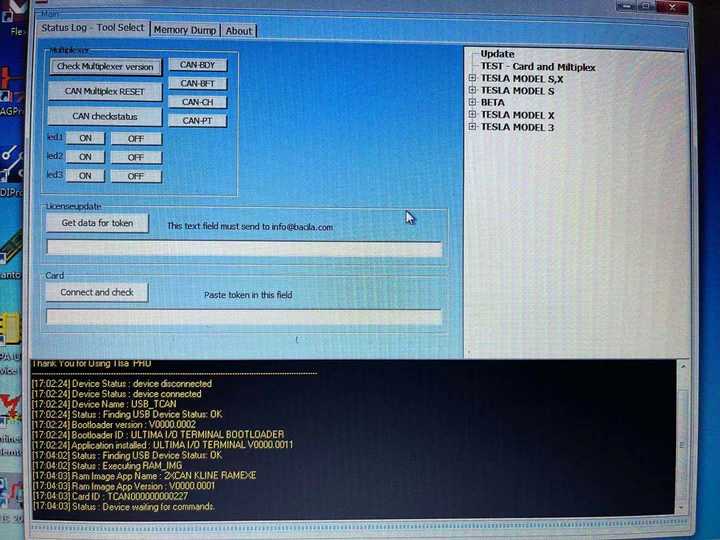
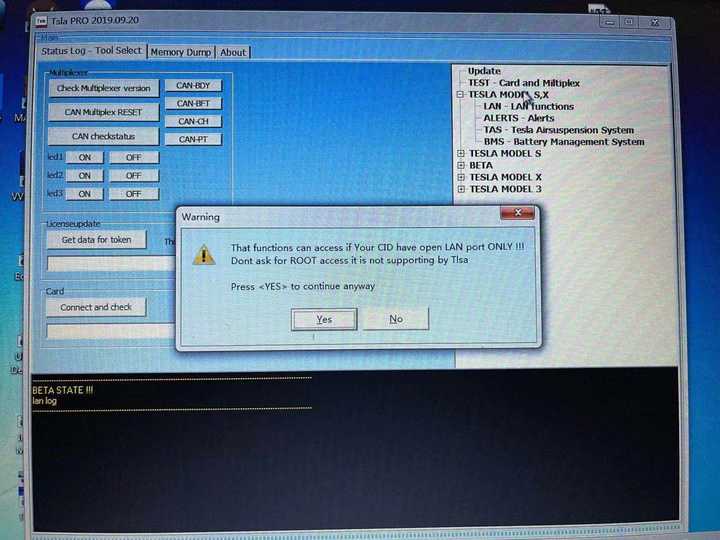
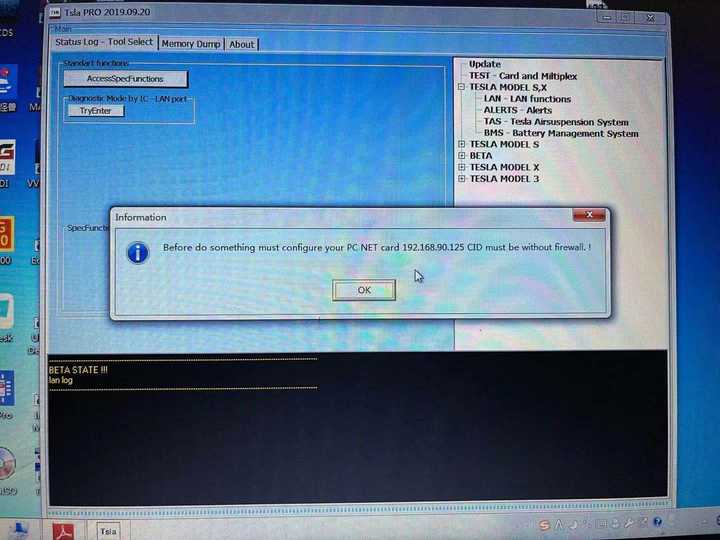
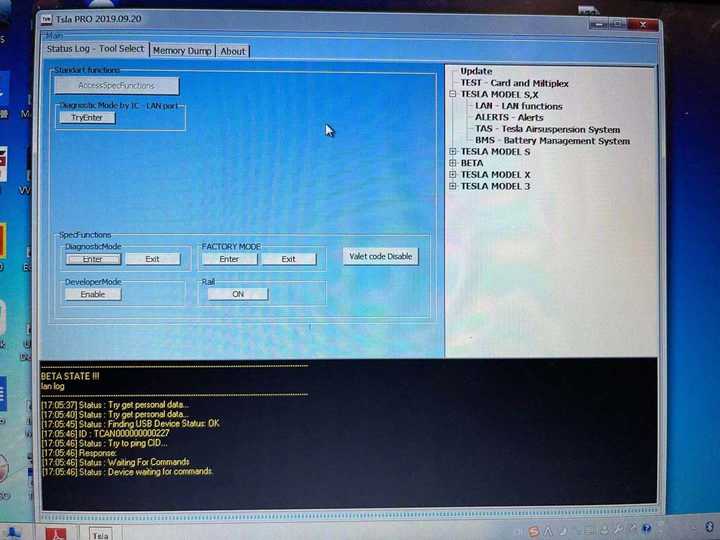
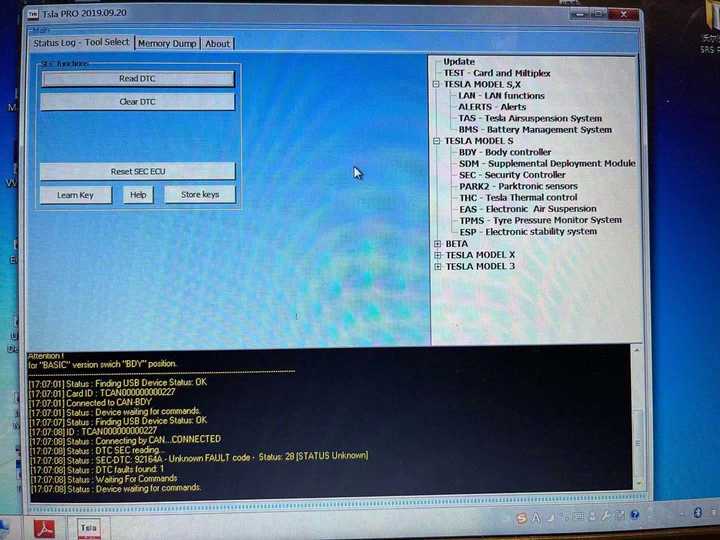
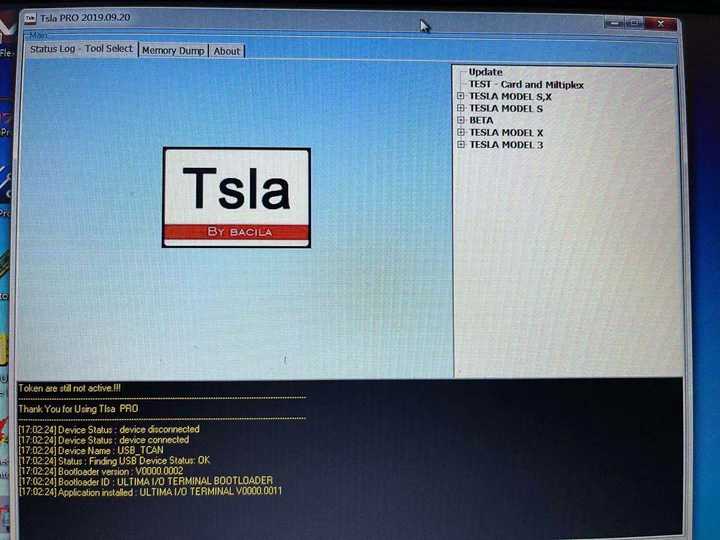
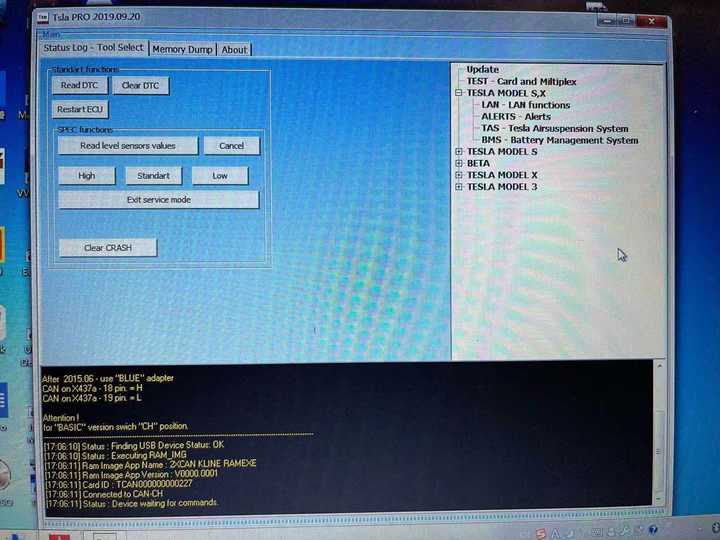
Tsla PRO scanner Test Display on Tesla Model S

TslaPRO is the first independent device on the market supporting diagnostics in TESLA model S, X and 3 so far.You must be aware that the use of someTslaPRO functions in somecountries may be prohibited and against the law.First of all, what you need to know about theTslaPRO before work.

TslaPRO is intended only for qualified personnel!·You must be aware of the risk of loss if something went wrong(learn keys or make adaptations of BMS controller or something else)·You must have electronic skills which allow you to make adapters yourself and the connection between TslaPRO and the vehicle’s CAN interface.

TslaPRO uses the CAN network to communicate with the ECU.Therefore, you will not have access to firmware, navigation update,configuration because it can not be done via CAN. All mentionedthings do by LAN on IC,CID not via CAN network…

Tsla PRO scanner Test Display on Tesla Model S:
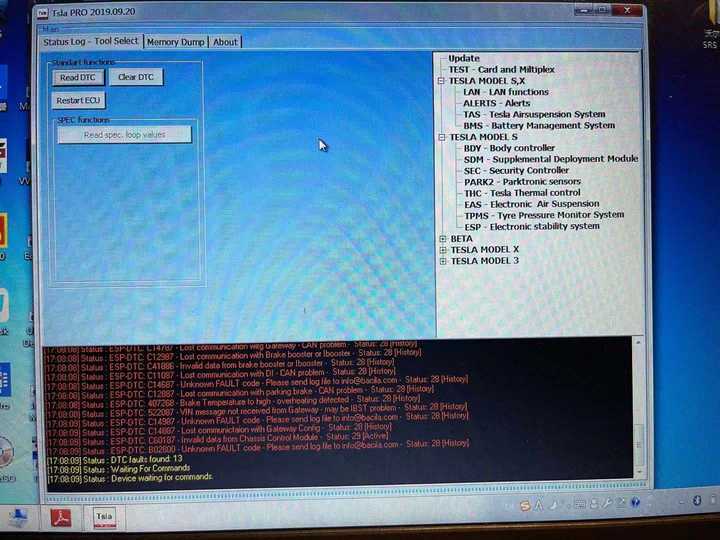
Tsla-PRO-scanner-Test-Display-on-Tesla-Model-S-1 Tsla-PRO-scanner-Test-Display-on-Tesla-Model-S-2 Tsla-PRO-scanner-Test-Display-on-Tesla-Model-S-3 Tsla-PRO-scanner-Test-Display-on-Tesla-Model-S-4 Tsla-PRO-scanner-Test-Display-on-Tesla-Model-S-5 Tsla-PRO-scanner-Test-Display-on-Tesla-Model-S-6
Tsla-PRO-scanner-Test-Display-on-Tesla-Model-S-7 Tsla-PRO-scanner-Test-Display-on-Tesla-Model-S-8 Tsla-PRO-scanner-Test-Display-on-Tesla-Model-S-9 Tsla-PRO-scanner-Test-Display-on-Tesla-Model-S-10 Tsla-PRO-scanner-Test-Display-on-Tesla-Model-S-11 Tsla-PRO-scanner-Test-Display-on-Tesla-Model-S-12
Tsla-PRO-scanner-Test-Display-on-Tesla-Model-S-13 Tsla-PRO-scanner-Test-Display-on-Tesla-Model-S-14 Tsla-PRO-scanner-Test-Display-on-Tesla-Model-S-15 Tsla-PRO-scanner-Test-Display-on-Tesla-Model-S-16 Tsla-PRO-scanner-Test-Display-on-Tesla-Model-S-17

Comments

Popular posts from this blog

How to Solve VW Amarok Caddy 2018+ Remote Not Working After Programming

Here comes the general problem of VW Amarok Caddy etc. 2018+ UDS protocol vehicles: 2019 VW Caddy. I spent a few hours programming the Xhorse key using VVDI2 . Also tried TDB1000. Remote function could not be obtained. Every time the programming failed, the original remote stopped working until I scanned and cleared errors. I expected it to work when the transponder was added (Megamos AES). I can’t access remote learning with any of my tools, nor did vvdi2 let me program the remote. I was wondering if anyone could confirm remote learning with transponders or how to learn it if not. Solution: It is not possible for BH remote controls after 2018 at the latest. You will not get any communication with the central locking remote control customization. You need a dealer key 100% and then learn from ODIS. There is no after-market solution, VAG blocked the remote channel on UDS vehicles 2018+. Had the exact same issues with new caddies. So merchant key and Odis ATM since the c...

John Deere Service Advisor 4.2 CF – Construction & Forestry incl. Hitachi + History DVD 2016

John Deere Service Advisor  4.2 CF – Construction & Forestry incl. Hitachi 2/2016 contains detailed information on all the procedures for repair and maintenance, a lot of illustrations, wiring diagrams, electrical and hydraulic circuits for construction and forestry equipment John Deere. Service Advisor contains information about setting up data, troubleshooting procedures, symptoms of malfunctions, the order of disassembly and assembly, adjustment data, torque. Electronic program is designed to handle all maintenance issues, eliminate breakdowns and malfunctions. Installation of this software is very easy and doesn’t require additional knowledge. The program allows you to quickly and easily find information and solve problems with machinery John Deere. This service advisor is designed to work with Windows XP, 7, 8. This software works under Windows 10 but wasn’t tested with EDL adapter and drivers. This version of Service Advisor has built-in hot...

How to get EVAP not ready IM to pass with Tech2

  I’ve been struggling with this for months now and I came across a post of the Cadillac forum where someone mentioned using the GM Tech2 handheld scanner and running the “Evap service bay” test. First you will need the VCX Nano from obd2tool , it comes with the software for Tech2 and  GDS2 emulators and install it on a laptop. The Evap test should be done from a cold start so have everything ready. The reason I failed the Tech2 EVAP test first time was you must keep RPM between 1800-2200 for 8 minutes it was impossible to do that with foot so it failed and i had to wait overnight for a cold start. What i did to fix was I found a piece of wood and placed it between the seat and gas pedal and move the electric seat until RPM is 2000. This worked perfectly I used this when doing brake light testing for inspection as well. *   Have everything set up, I opened hood so it wouldn’t get too hot, connect the VCX Nano to the OBD2 port and your laptop and go to t...